Skip to content

Execution Management

The plan becomes the workspace — without losing its origin.

BuildFlowIQ carries approved ProjectIQ structure into the place where delivery happens, so execution can remain connected to the initiative, milestones and dependencies that created the work.

Connected execution

Work starts with context already attached.

ProjectIQ creates executable structure from approved upstream intelligence. Execution Management carries that structure forward instead of forcing teams to recreate the plan in a disconnected task system.

Approved planningProjectIQ
→
Delivery structureWork + Milestones + Dependencies
→
Live executionExecution Management
→
Learning loopExecution Intelligence

Execution workspace

Manage the delivery structure that is ready today.

Execution Management focuses on the delivery capabilities BuildFlowIQ can demonstrate today, with the planning context that created the work still connected.

01

Work management

Work items created from approved planning structure can be managed in the execution workspace rather than recreated in another system.

  • Project-scoped work items
  • Execution-created work where needed
  • Schedule dates that persist into execution truth
02

Work list & saved views

Use project work lists and reusable saved views to return to the delivery slice you need.

  • Project-scoped Work Items
  • Create, rename and delete saved views
  • Reload-safe view persistence
03

Milestones

Track delivery against meaningful milestone outcomes instead of treating every task as an isolated unit of progress.

  • Milestone creation and editing
  • Target dates and progress
  • Human-readable linked work
04

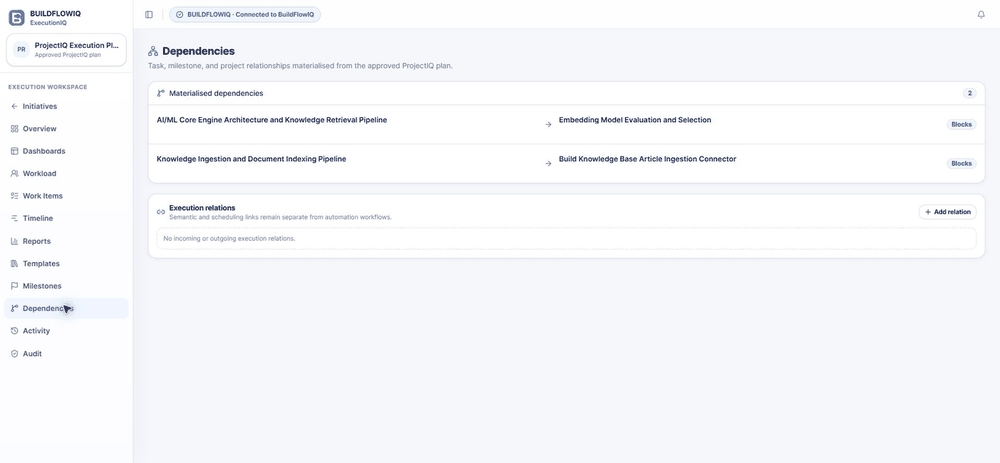
Dependencies

Make sequencing and blocking relationships explicit so teams can see which work relies on what.

  • Create and remove relations
  • Readable work-item endpoints
  • Persistent dependency direction
05

Priorities & status

Keep day-to-day execution state visible on the work itself while preserving the approved ProjectIQ plan as a separate source of intent.

  • Work status
  • Priority / importance
  • Canonical plan remains governed separately
06

Timeline

See dated executable work on a project timeline so delivery sequence is understandable beyond a flat task list.

  • Dated work visibility
  • Readable work labels
  • Dated work remains visible after reload

Real product UI

See ExecutionIQ in the product.

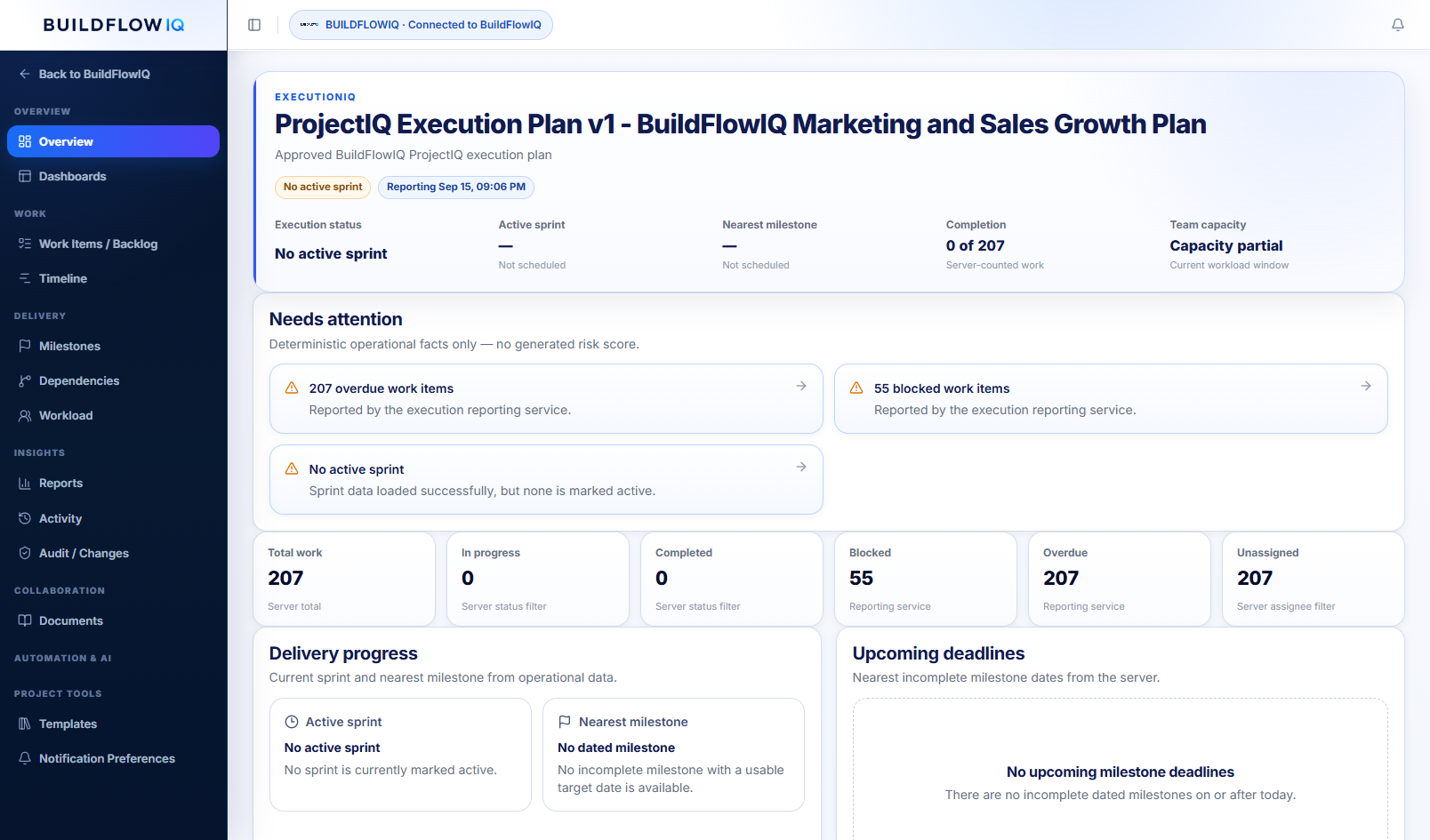
Current ExecutionIQ product views show Work Items, Milestones and Dependencies using the real delivery workspace and human-readable execution data.

The difference

Project management with the intelligence behind the plan still connected.

Execution Management is not where BuildFlowIQ begins. It is where approved initiative reasoning becomes live delivery — and where execution can later be compared back to the plan.